

EdFinancial Account Management: Complete Guide to Managing Your Student Loan Account

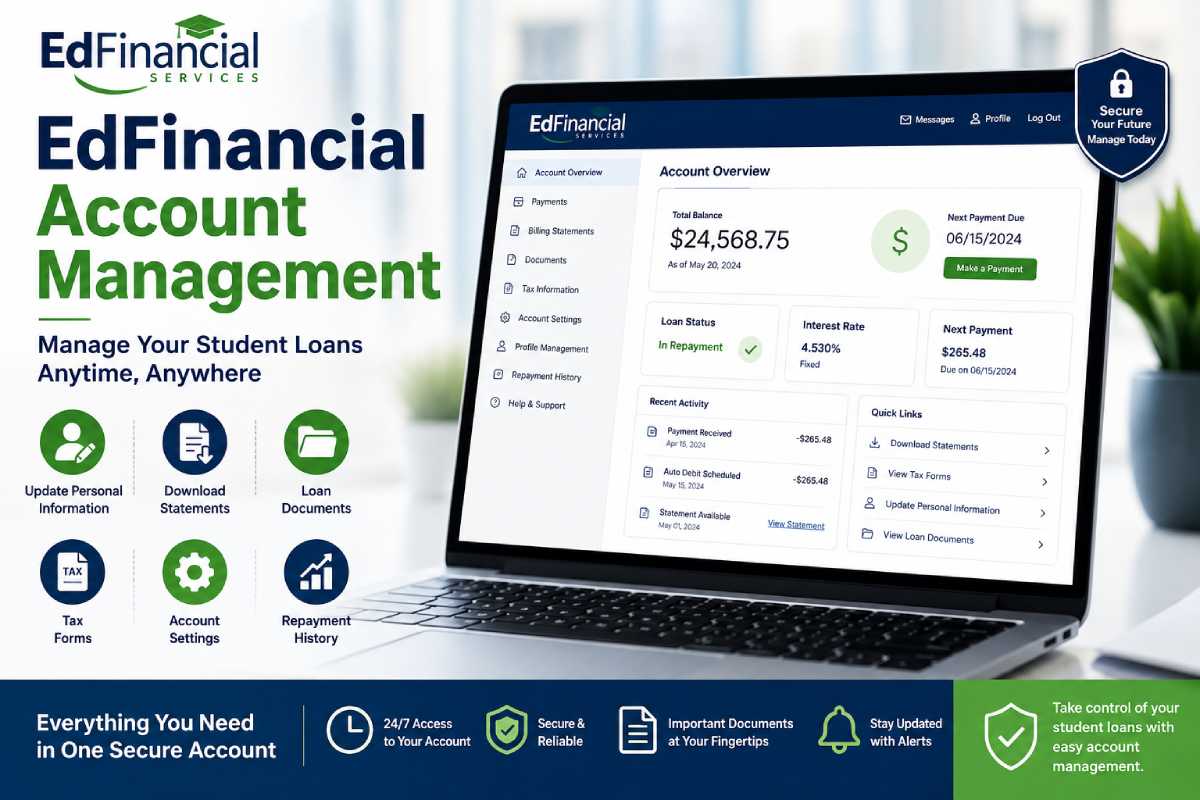
It is much easier to manage your federal student loan payment and understand everything about EdFinancial account management when using its features. Log in to your online account to securely retrieve loan information, submit personal information updates, download statements, get your loan documents, print tax information, update account settings, access your repayment history, and conduct total account profile management.
From managing your monthly student loan payment to accessing relevant information for tax time, or simply keeping your updated personal information in file, you can do it all in your student loans portal at EdFinancial.
This Article is the part of Financial-Planning
What is EdFinancial Account Management?
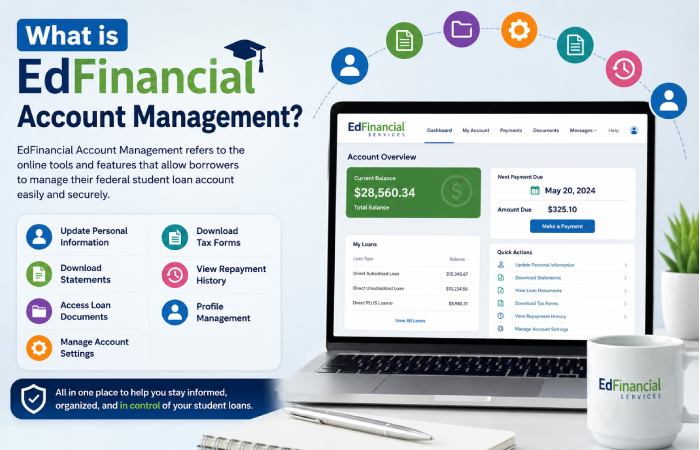
An EdFinancial account is a set of online tools for EdFinancial Services’ borrowers. Through an EdFinancial account, borrowers can keep track of, access and manage their federal student loan accounts online.
Using your secure online dashboard, you can:
- View current loan balances
- Update personal information
- Download billing statements
- Access loan documents
- Retrieve annual tax forms
- Review repayment history
- Modify account settings
- Manage communication preferences
These features help borrowers stay organized while ensuring loan records remain accurate.
Key Features of EdFinancial Account Management
| Feature | Purpose | Benefit |
| Profile Management | Manage account details | Keeps information current |
| Update Personal Information | Edit address, email, phone | Receive important notifications |
| Download Statements | Access monthly statements | Track payments easily |
| Loan Documents | View official loan records | Helpful for verification |
| Tax Forms | Download 1098-E (if eligible) | Tax filing convenience |
| Repayment History | Review past payments | Monitor loan progress |
| Account Settings | Customize preferences | Better account security |
How to Access Your EdFinancial Account
Follow these simple steps:
- Visit the official EdFinancial login portal.
- Enter your username and password.
- Complete any security verification if prompted.
- Access your dashboard.
- Select the section you wish to manage.
Once logged in, the dashboard displays your loan balance, payment due date, account status, and recent activity.
Update Personal Information
Keeping your contact information accurate ensures you receive important loan notices.
You can typically update:
- Home address
- Mailing address
- Email address
- Mobile number
- Emergency contact (if applicable)
Updating personal information helps prevent missed payment reminders and important servicing updates.
Download Statements
One of the most useful features is the ability to download statements.
Monthly statements typically include:
- Outstanding balance
- Payment due date
- Interest charged
- Current payment amount
- Account activity
Borrowers can save PDF copies for budgeting, financial planning, or loan verification.
Access Loan Documents
The portal also stores important loan documents, including:
- Promissory-related records (when available)
- Payment confirmations
- Account notices
- Correspondence
- Servicing letters
Keeping digital copies makes future reference much easier.
Download Tax Forms
As an eligible borrower, you can obtain your annual tax forms, including the 1098-E Student Loan Interest Statement here. Your tax forms can assist during the tax preparation process if you are eligible for the student loan interest deduction. The tax forms are generally made available in early January each year, following the close of the preceding tax year.
Account Settings and Security
Your account settings allow you to personalize your account.
Common settings include:
- Password changes
- Security questions
- Multi-factor authentication
- Communication preferences
- Email notification settings
- Paperless billing enrollment
Using strong passwords and enabling additional security features helps protect your financial information.
View Your Repayment History
The repayment history section provides a detailed record of previous payments.
You can review:
- Payment dates
- Payment amounts
- Remaining balance after payment
- Interest paid
- Principal reduction
- Payment methods used
This information is useful for financial planning and confirming successful payments.
Profile Management Best Practices
Effective profile management helps prevent servicing issues.
Consider checking your profile whenever:
- You move to a new address.
- You change employers.
- Your phone number changes.
- Your email address changes.
- Your name changes legally.
Keeping your profile current ensures you continue receiving important updates.
Common Account Management Tasks
| Task | Where to Find It | Recommended Frequency |
| Update Personal Information | Profile Settings | Whenever changes occur |
| Download Statements | Billing Section | Monthly |
| Download Tax Forms | Tax Documents | Annually |
| Review Repayment History | Payment History | Monthly |
| Update Password | Security Settings | Every few months |
| Check Loan Documents | Documents Center | As needed |
Benefits of Managing Your Account Online
Using online account management provides several advantages:
- 24/7 account access
- Faster document retrieval
- Secure payment tracking
- Easier profile updates
- Convenient tax document access
- Reduced paperwork
- Better financial organization
Most borrowers can complete routine account tasks within just a few minutes.
Tips for Better Account Management
To keep your account in good standing:
- Log in regularly to review your balance.
- Update personal information promptly.
- Download statements for your records.
- Save important loan documents.
- Check repayment history after making payments.
- Review account settings for security.
- Download tax forms before filing taxes.
Troubleshooting Common Issues
| Issue | Possible Cause | Solution |
| Unable to log in | Incorrect password | Reset credentials |
| Missing statements | Recent billing cycle | Check again after processing |
| Tax forms unavailable | Not yet issued | Wait until tax season |
| Personal information won’t update | Verification required | Contact customer support |
| Payment missing from history | Processing delay | Allow processing time |
| Locked account | Multiple failed logins | Complete account recovery |
Frequently Asked Questions
Can I update personal information online?
Yes. Most borrowers can update their address, email, and phone number through the profile management section.
How do I download statements?
Log in to your account and navigate to the billing or statements section to download PDF copies.
Where can I find my loan documents?
Loan documents are available in the documents center within your online account.
How do I access tax forms?
Eligible borrowers can download tax forms, including the 1098-E, once they become available during tax season.
Can I view my repayment history?
Yes. The repayment history page provides a detailed record of your previous payments and account activity.
Conclusion
The EdFinancial online account services give account holders easy access to manage their federal student loans. Whether you are changing contact information, downloading billing statements, getting copies of your loan documents, downloading your tax forms, viewing your payment history, changing account settings, or completing profile management-the online account tools have you covered! Checking on your EdFinancial account regularly will allow you to keep your contact information current and your loan records in order.